Last updated on: 6 months ago
Key Takeaways
- What is Static WordPress? It’s the modern approach of converting your dynamic site into pre-built HTML files, making it incredibly fast and secure by serving it from a global CDN.
- Unmatched Speed: Expect up to 10x faster load times, which significantly boost your Core Web Vitals and SEO rankings.
- Drastically Enhanced Security: By decoupling the WordPress backend, you eliminate common attack vectors and reduce vulnerabilities by over 90%.
- Effortless Scalability: Static sites can handle huge traffic spikes without crashing.
- Lower Operational Costs: Static hosting reduces the need for complex server management, security plugins, and expensive hosting plans, leading to significant cost savings.
- Modern Developer Workflows: Embrace the Jamstack with headless WordPress, allowing for Git-based workflows and the use of modern frontend frameworks for superior customization.
- How to Choose a Provider: Your best choice depends on your needs. For beginners, consider HardyPress. For developers, look at WP Engine. For maximum security, Shifter is the top option.
Introduction
Is your WordPress website slower than a snail in molasses? Are you constantly worried about security vulnerabilities and potential hacks? For digital marketers and entrepreneurs, a slow, insecure website is a conversion killer.
You love WordPress for its ease of use, but its performance and security issues are a constant battle. The solution is Static WordPress Hosting, a transformative approach to making your site blazing-fast and virtually impenetrable.
The static hosting landscape is constantly evolving, with major shifts like the discontinuation of the popular service Strattic at the start of 2025. This makes choosing the right, currently active provider more important than ever.
In this comprehensive guide, we’ll cut through the noise and review the 6 best static WordPress hosting providers in 2025, complete with updated, verified pricing and features so you can make a truly informed decision.
How to make your WordPress site static
Method 1: Use a Static Site Generator Plugin
This method is ideal for DIY users who want control over their hosting. You install a plugin like Simply Static or Staatic in your dashboard, which converts your site into a collection of HTML files. You then generate a ZIP file of your site and manually upload it to a separate, low-cost static hosting provider like Cloudflare Pages or Netlify.
Method 2: Use an All-in-One Static WordPress Hosting Platform
This is the easiest, most automated approach. You use a specialized service like HardyPress or Shifter, which provides a secure, private WordPress environment for you to manage content. When you are ready to publish, you click a single button, and the platform automatically converts and deploys your static site to its own high-performance global CDN, handling all the technical work for you.
Method 3: The Headless WordPress Approach
This advanced method is for developers. You use WordPress purely as a backend data source (a “headless CMS”). A separate frontend application, built with a modern framework like Next.js or Astro, fetches your content via an API to generate the static site. This provides maximum performance and flexibility but requires significant coding knowledge to implement and maintain.
What is Static WordPress Hosting?
Static WordPress hosting converts your dynamic website, which uses PHP and a database to build pages for every visitor, into a set of pre-built HTML, CSS, and JavaScript files. This static version is then distributed across a global Content Delivery Network (CDN).
When a user visits your site, the finished page is served instantly from the server nearest to them. This process, also known as headless or Jamstack WordPress, gives you the world-class content management of WordPress with the untouchable performance and security of a modern static site.
Why Static Site Generator WordPress is a Game-Changer
- Blazing Speed: Faster load times are crucial for user experience and SEO. Google’s Core Web Vitals heavily favor quick-loading sites.
- Fort Knox Security: By detaching the WordPress admin from the public-facing site, you eliminate common attack vectors. Your live site has no database to hack.
- Seamless Scaling: A static site can handle a sudden flood of traffic from a viral post or marketing campaign without breaking a sweat.
- Reduced Costs: You’ll spend less on complex hosting environments, maintenance, and premium security plugins.
Criteria for Selection
We evaluated each provider based on criteria essential for digital marketers and content creators:
- Performance and Speed: How quickly does it serve pages? We looked at CDN quality, optimization features, and overall architecture.
- Ease of Use: How simple is the process to convert and deploy a WordPress site? A user-friendly interface is crucial.
- Security Features: What measures are in place to protect your site from threats?
- Pricing and Value: Does the cost align with the features and performance offered?
- Scalability: Can the hosting handle traffic spikes without a hitch?
- Developer-Friendliness: Are there tools and integrations that support modern development workflows?.
HardyPress
Overview / Key Features:
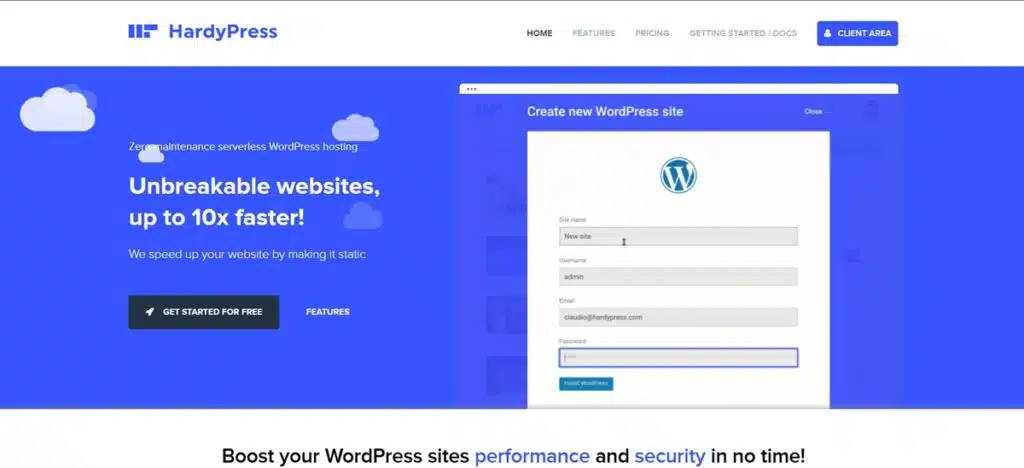
HardyPress offers a brilliant balance of simplicity and power, making it incredibly easy to convert your WordPress site into a secure, high-performance static version. With just one click, it generates your static site and deploys it to a global CDN. It cleverly maintains dynamic functionality like contact forms and search through seamless third-party integrations, so you don’t lose interactive features.
Pricing & Plans:
HardyPress is highly affordable, with plans starting at approximately €7.5/month (around $8.20 USD), making it accessible for freelancers, bloggers, and small businesses.
Pros & Cons:
- Pros:
- Extremely user-friendly with one-click static conversion.
- Very affordable entry-level pricing.
- Supports dynamic elements like forms and search.
- Includes a free SSL certificate and a global CDN.
- Cons:
- The backend WordPress dashboard can feel slow during development pushes.
- Lacks some of the advanced enterprise-grade features of premium competitors.
HardyPress is the perfect choice for those new to static WordPress or for small businesses on a budget. It delivers the core benefits of speed and security without complexity.
Ready for a faster website? Try HardyPress today.
WP Engine Headless Platform
Overview / Key Features:
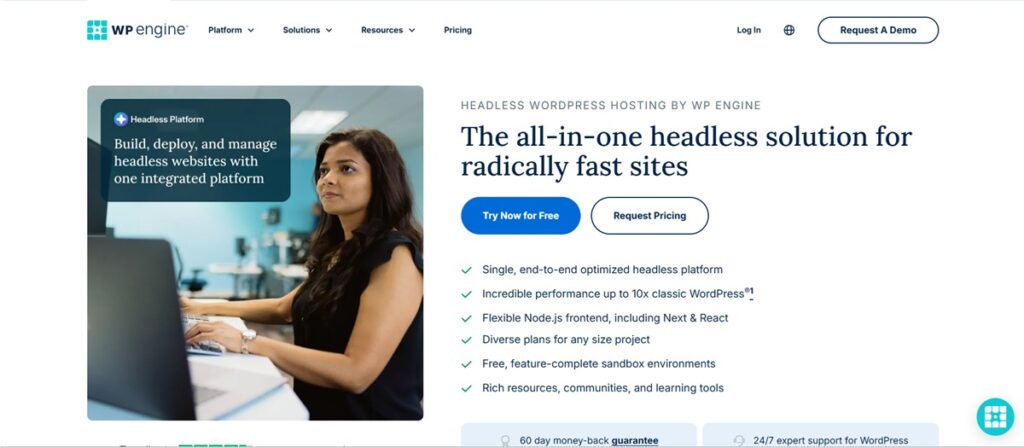
From the leaders in managed WordPress, WP Engine Headless Platform is an enterprise-grade platform for headless WordPress hosting. It’s more than just hosting; it’s a complete toolkit for building scalable Jamstack websites. Atlas provides the WordPress backend, Node.js hosting for your frontend application, and automated build pipelines, making it a powerhouse for large-scale, custom projects.
Pricing & Plans :
WP Engine Headless Platform has become more accessible, with free, feature-complete sandbox environments. The actual hosting price is not disclosed. It can be requested when you plan to go for it. This positions it as a premium yet viable option for serious businesses and developers.
Pros & Cons:
- Pros:
- All-in-one headless platform from a top-tier provider.
- Exceptional scalability and performance for high-traffic sites.
- Top-tier security and world-class expert support.
- Excellent for developers who want to use modern frontend frameworks.
- Cons:
- Still more expensive than entry-level options.
- Requires development expertise to fully leverage its capabilities.
For businesses, agencies, and developers building mission-critical websites, WP Engine Headless Platform provides the robust infrastructure and advanced features needed to succeed with a headless approach.
Power your next enterprise project with WP Engine Headless Platform.
Shifter
Overview / Key Features:
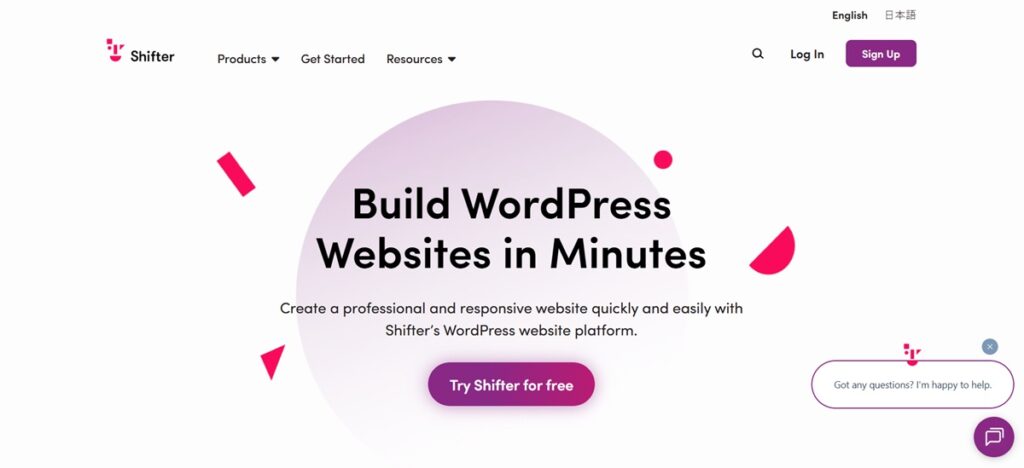
Shifter is a pioneer in the serverless static WordPress hosting space. Its standout feature is security: when you’re not editing content, Shifter completely shuts down the WordPress backend container, making it invisible and inaccessible to attackers. It deploys a static version of your site to a highly scalable, serverless architecture for incredible speed and reliability.
Pricing & Plans:
Shifter offers a flexible pricing model with plans ranging from approximately $16 to $144 per month, catering to a wide range of users from individual bloggers to large agencies.
Pros & Cons:
- Pros:
- Unbeatable security due to the auto-shutdown of the WordPress backend.
- Excellent performance with its serverless infrastructure.
- Intuitive and easy-to-navigate dashboard.
- Supports forms and search via integrations.
- Cons:
- Starting up the WordPress backend to make changes introduces a slight delay.
- The lower-tier plans have limitations on storage and bandwidth.
Shifter is the go-to choice for the security-conscious. If your top priority is protecting your website from threats while delivering blazing-fast performance, Shifter’s unique architecture is hard to beat.
Get serverless speed and security. Discover Shifter now.
Staatic
Overview / Key Features:
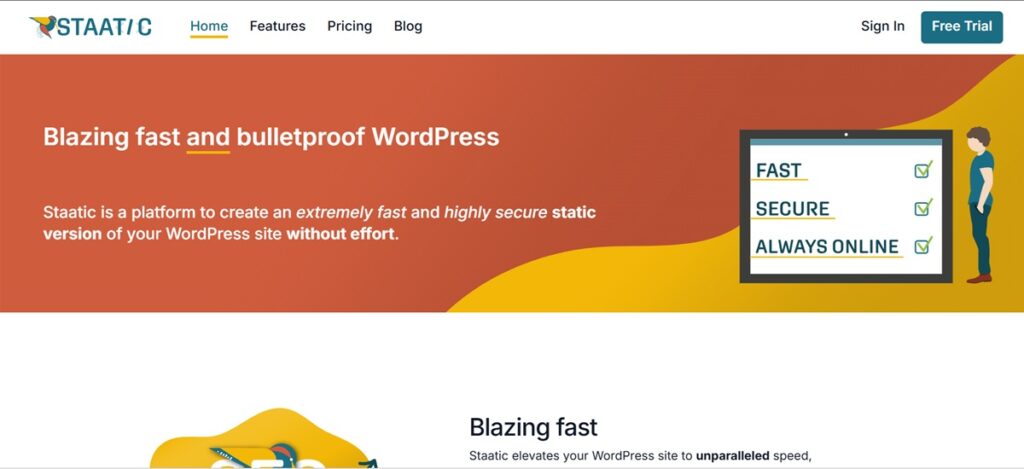
Staatic provides a flexible and powerful way to go static directly from your WordPress dashboard via its plugin. It offers deep customization over the static generation process. When paired with Staatic Cloud, it becomes an all-in-one solution that handles the generation, deployment, and hosting of your static site on a global CDN, complete with support for forms and search.
Its greatest strength is giving you the freedom to publish your site wherever you want. You can use its fully integrated Staatic Cloud for enterprise-grade hosting, self-host the static files on your own server, or deploy to third-party services like Amazon S3 + CloudFront for performance or Netlify for its robust developer features.
Pricing & Plans:
Staatic offers both a free, feature-rich plugin and premium cloud plans, making it accessible for all users. The paid plans provide the full, automated hosting experience.
Pros & Cons:
- Pros:
- Unmatched deployment flexibility (cloud, self-hosted, S3, Netlify).
- Highly customizable static generation.
- Seamlessly integrates with your existing WordPress setup.
- Starts with a powerful free plugin.
- Great balance of features and affordability.
- Cons:
- The extensive settings can be overwhelming for absolute beginners.
- The best features are unlocked with the paid cloud service.
Staatic is ideal for users who want control and flexibility. Whether you use the free plugin to deploy to your own hosting or opt for the seamless Staatic Cloud, it’s a robust and reliable choice.
Take control of your website’s performance. Get started with Staatic.
Headless Hostman
Overview / Key Features:
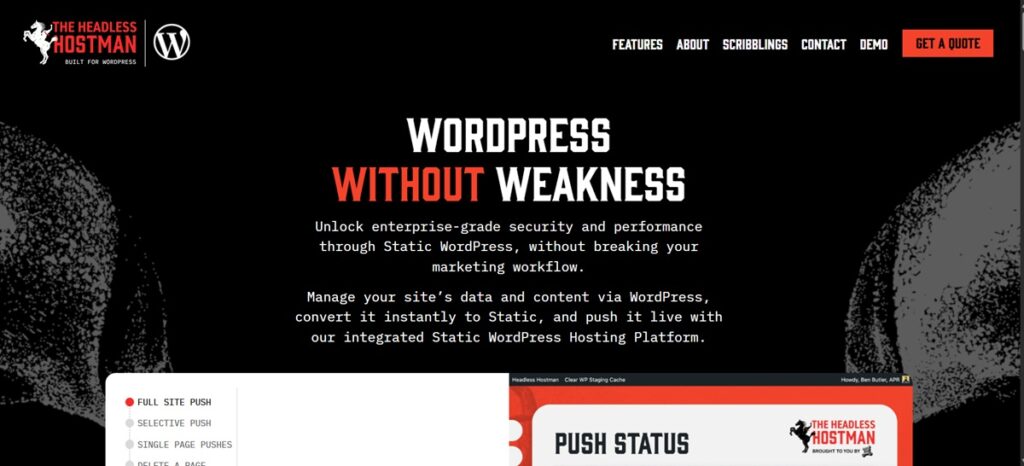
Headless Hostman is a versatile platform built for developers embracing the Jamstack. It allows you to use WordPress purely as a headless CMS while connecting it to modern frontend frameworks like React or Vue. It automates the entire CI/CD pipeline with Git integration, making it a powerful engine for building custom, high-performance web applications.
Pricing & Plans :
Headless Hostman is a premium developer platform. You need to request a quote. It does not offer a freemium model.
Pros & Cons:
- Pros:
- Maximum flexibility for developers using modern tech stacks.
- Automated build and deployment pipelines.
- Highly scalable infrastructure.
- Perfect for creating custom, decoupled web applications.
- Cons:
- Steep learning curve; designed for technical users.
- High starting price point makes it unsuitable for small projects.
Headless Hostman is the ultimate static site generator for WordPress for development agencies and tech-savvy businesses aiming to build sophisticated, custom Jamstack sites.
Build your next-gen WordPress site. Explore Headless Hostman.
Simply Static Studio
Overview / Key Features:
Simply Static has long been a popular plugin for static site generation. Their Simply Static Studio is an all-in-one cloud solution that combines their powerful plugin with managed hosting and deployment. It provides a complete, streamlined workflow to generate, host, and manage your static WordPress site from a single, intuitive dashboard.
Pricing & Plans:
Simply Static Studio is competitively priced, with plans starting at around $19/month per site, offering a great balance of features and value.
Pros & Cons:
- Pros:
- A fully integrated solution from a trusted name in the space.
- User-friendly for both beginners and advanced users.
- Offers a range of deployment options and integrations.
- Excellent value for the price.
- Cons:
- As a newer cloud platform, it has less of a track record than some competitors.
- Compatibility with highly complex or niche plugins should be tested.
Simply Static Studio is a fantastic, well-rounded choice for anyone wanting a simple yet powerful end-to-end solution. It removes the technical hurdles and lets you focus on your content.
Simplify your static WordPress journey with Simply Static Studio.
Comparison Table: Features
| Feature | HardyPress | WP Engine Headless Platform | Shifter | Staatic | Headless Hostman | Simply Static Studio |
|---|---|---|---|---|---|---|
| Ease of Use | Very High | Moderate (Dev) | High | High | Low (Dev-focused) | High |
| Security | High | Exceptional | Exceptional | High | High | High |
| Git Integration | No | Yes | No | No | Yes | No |
| Target Audience | SMBs, Freelancers | Enterprise, Devs | Security-focused | All Users | Developers | All Users |
Comparison Table: Pricing
| Provider | Starting Price (USD) | Best For |
|---|---|---|
| HardyPress | ~$8.20/month | Budget-conscious users and small businesses |
| WP Engine Headless Platform | NA | Enterprise and high-traffic applications |
| Shifter | $16/month | Security-focused businesses and agencies |
| Staatic | Freemium (Plugin) | Users who want high customization and control |
| Headless Hostman | NA | Developers building custom Jamstack sites |
| Simply Static Studio | $19/month | A streamlined, all-in-one workflow |
Final Recommendation + Buyer’s Guide
Choosing the right Static WordPress Hosting depends on your needs, technical skills, and budget.
- For Beginners and Small Businesses: HardyPress is the clear winner for its affordability and ease of use. Simply Static Studio is a close second, offering a great all-in-one package.
- For Developers: Headless Hostman provides unparalleled flexibility for custom builds, while WP Engine Headless Platform offers an enterprise-grade, integrated environment.
- For Maximum Security: Shifter is the top choice due to its unique architecture that completely isolates your WordPress admin.
Before you decide, audit your current plugins. If your site relies on dynamic, server-side features, ensure your chosen host provides a viable solution. Making the switch is one of the most impactful upgrades you can make to your WordPress site’s performance and security.
Ready to leave slow, vulnerable hosting behind? Choose one of these top providers and give your website the speed and security it deserves in 2025.
FAQs
What is the best static WordPress hosting for beginners?
For beginners, HardyPress and Simply Static Studio are the best options. They offer simple, one-click workflows and don’t require technical expertise to achieve incredible performance gains.
Which static WordPress hosting provider is cheapest?
HardyPress offers the most affordable starting plan at around $8.20/month. For those who want to experiment first, Staatic offers a powerful free plugin you can use with your own hosting.
Which static hosting solution is easiest to use?
HardyPress is renowned for its simplicity. Its one-click static conversion is about as easy as it gets, making it perfect for users who aren’t developers.
Can I still use my favorite plugins with static hosting?
Yes, for the most part. Your theme and frontend plugins (like page builders) will work perfectly. Plugins requiring server processing (like e-commerce or complex forms) need specific integrations, which most providers on this list support.
How does a static site generator for WordPress improve SEO?
It dramatically improves SEO by boosting site speed, a primary Google ranking factor. A faster site leads to lower bounce rates and better user engagement. The enhanced security and uptime of static sites also contribute positively to your SEO profile and authority.
What is the difference between static vs dynamic websites?
A dynamic website (like standard WordPress) builds pages from a database for each visitor, which is slower. A static website has pre-built pages ready to be served instantly, making it much faster, more secure, and more reliable.